
Description
Product Overview
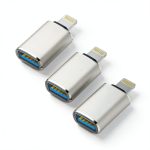
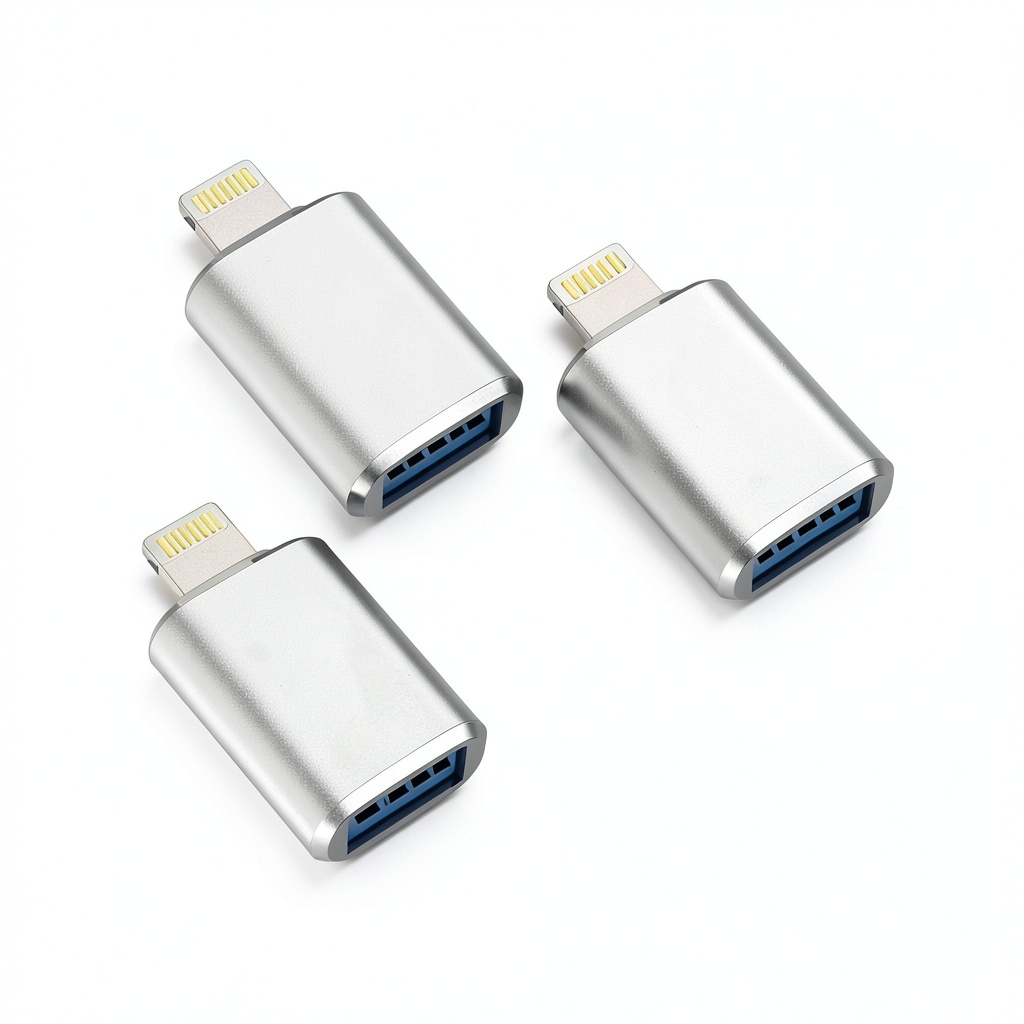
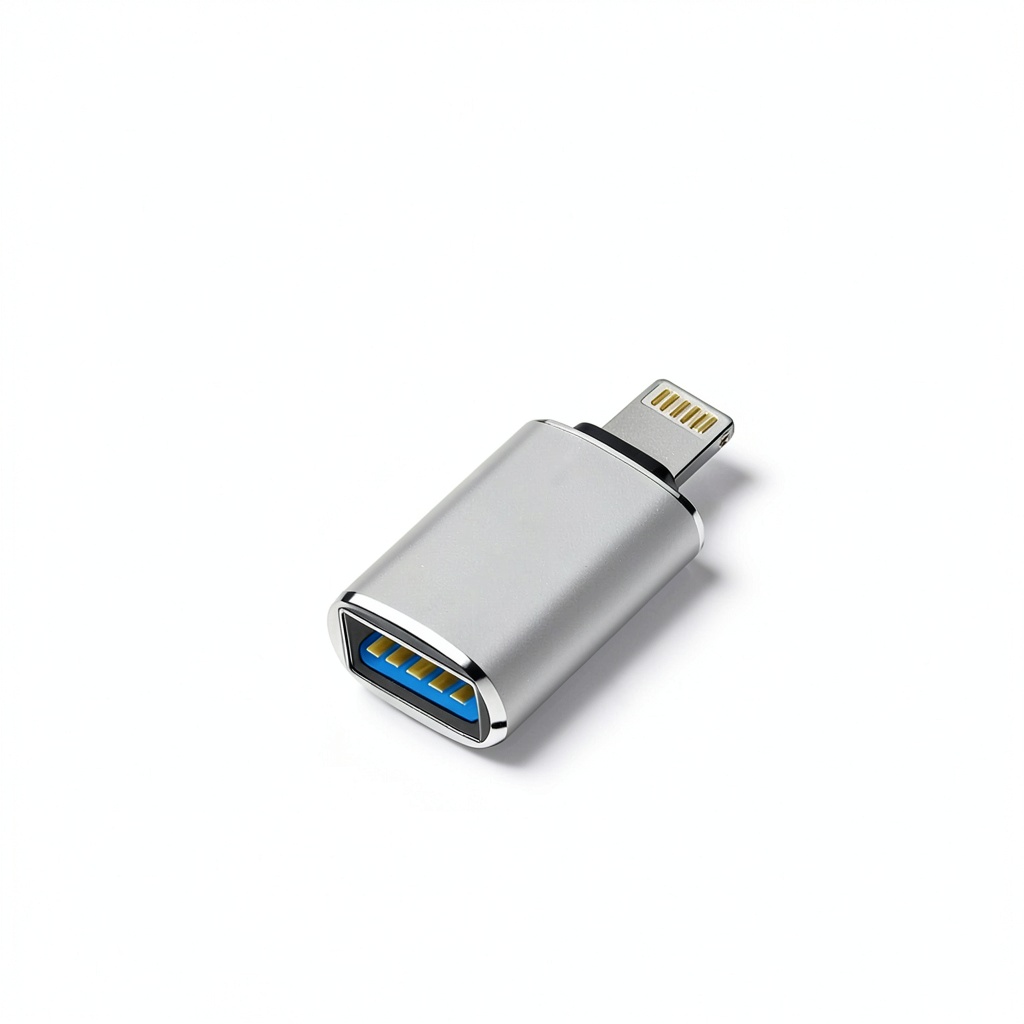
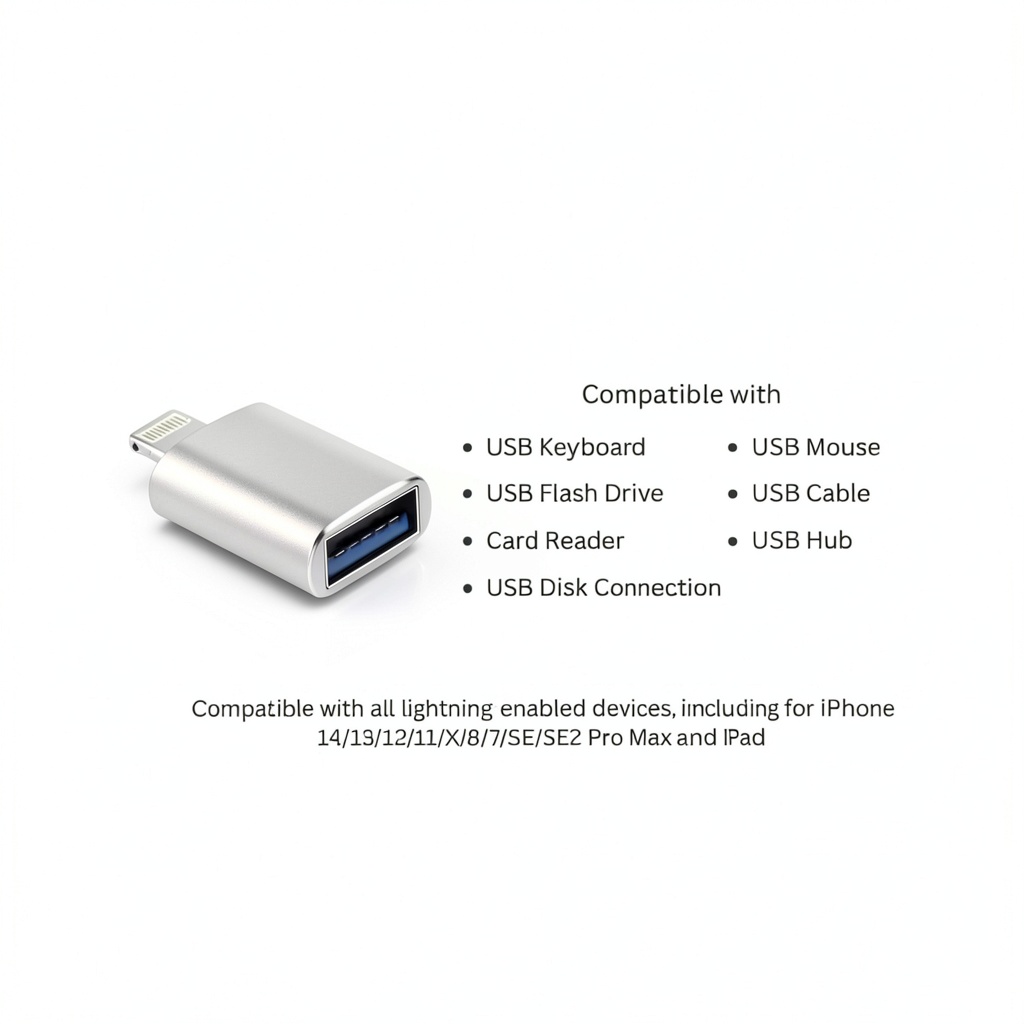
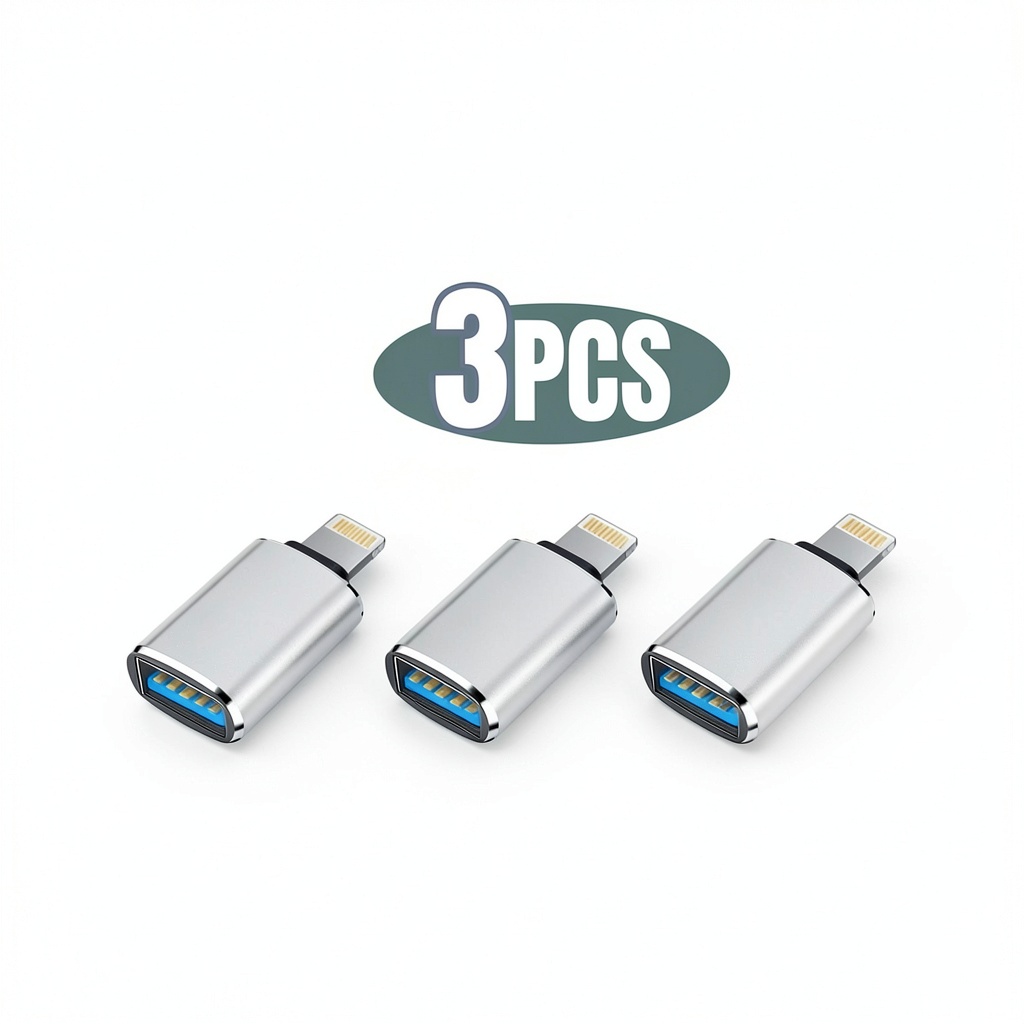
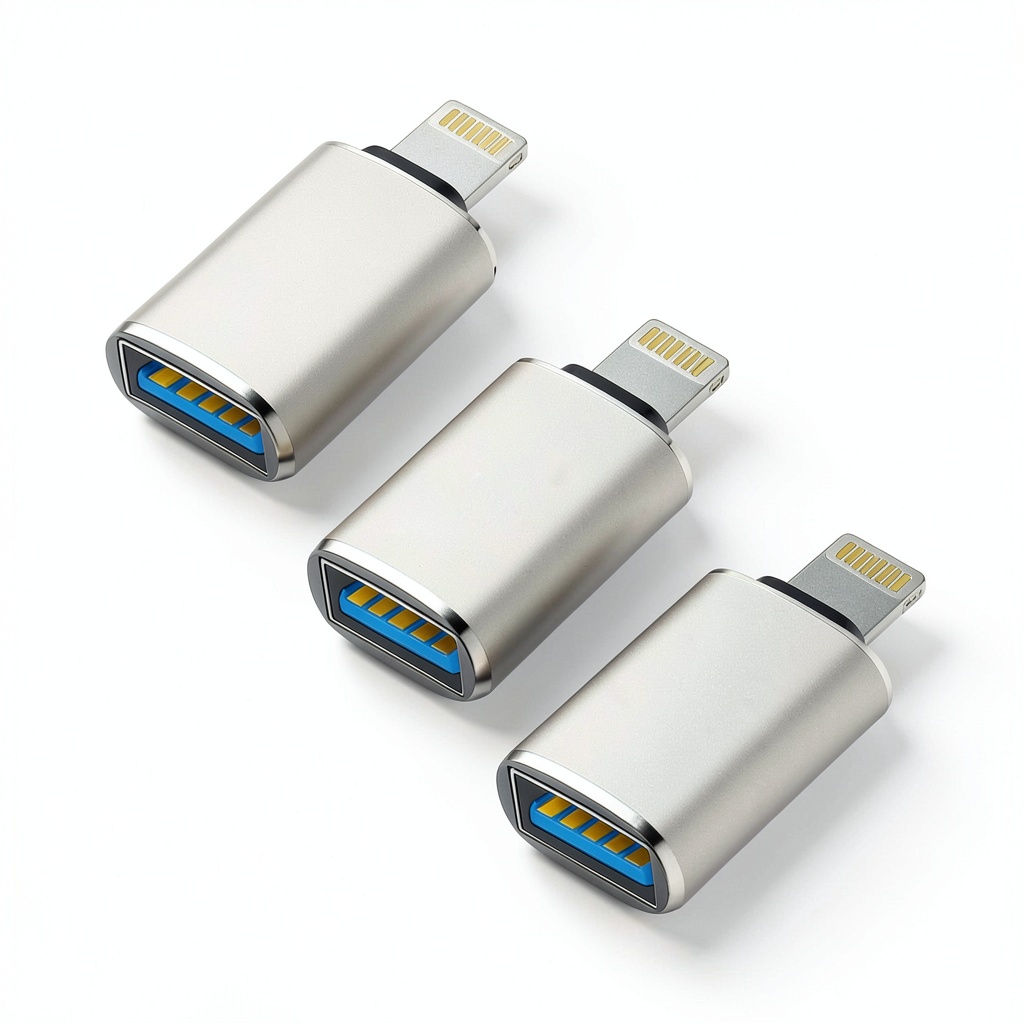
This USB Female to Lightning Male Adapter is designed to expand the functionality of your Apple devices by connecting USB peripherals directly to the Lightning port. It supports a wide range of USB devices, including keyboards, mice, flash drives, card readers, and chargers. With plug-and-play technology, no additional apps or drivers are required, allowing for instant file management through the native Files or File Manager app. The adapter is compatible with all Lightning-enabled iPhones and iPads, such as iPhone 14, 13, 12, 11, X, 8, 7, SE, SE2, Pro Max, and various iPad models, making it a versatile tool for enhancing productivity and data transfer.
Usage
This adapter is ideal for users who need to transfer files, use external input devices, or expand storage on their iPhones and iPads. It is perfect for professionals, students, and creatives who require efficient data management, such as importing photos from cameras, exporting videos to external drives, or using a keyboard for typing tasks. Common environments include home offices, classrooms, and on-the-go setups where quick access to files and peripherals is essential. The mouse functionality can be enabled through the device’s Accessibility settings, providing an alternative navigation method for improved usability.
Why Choose Us
Our USB to Lightning Adapter stands out due to its broad compatibility and reliable performance, ensuring seamless connectivity without the need for complex setups. It is built with durable materials to withstand daily use, offering a secure fit and stable data transfer. Unlike generic adapters, it supports mouse functionality and high-speed file transfers, backed by a focus on user-friendly design that prioritizes ease of use and versatility for a wide range of Apple devices.
Key Features
- Broad compatibility with USB keyboards, mice, flash drives, card readers, and chargers for Lightning-enabled iPhones and iPads
- Plug-and-play functionality requiring no apps or drivers for instant file access via the Files app
- Mouse support enabled through Accessibility settings for enhanced device navigation
- High-speed data transfer for importing and exporting photos, videos, and files efficiently
- Durable construction ensuring a secure connection and long-lasting performance
FAQ
What devices are compatible with this adapter?
This adapter is compatible with all iPhones and iPads that have a Lightning port, including models like iPhone 14, 13, 12, 11, X, 8, 7, SE, SE2, Pro Max, and various iPads.
Do I need to install any software to use this adapter?
No, the adapter works with plug-and-play functionality, so no additional apps or drivers are required. You can manage files directly through the Files or File Manager app on your device.
How do I enable mouse functionality with this adapter?
To use a mouse, connect it via the adapter and go to Settings, then Accessibility, Touch, and Assistive Touch to enable the feature for smooth navigation.
Can I transfer files between my iPhone and a flash drive?
Yes, you can import and export files like photos and videos between your iPhone or iPad and a connected flash drive using the Files app for easy data management.
Is this adapter suitable for charging devices?
While it can connect chargers, its primary function is for data transfer and peripheral connectivity; ensure compatible power sources for optimal charging performance.

Reviews
There are no reviews yet.