

Description
Product Overview
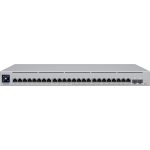
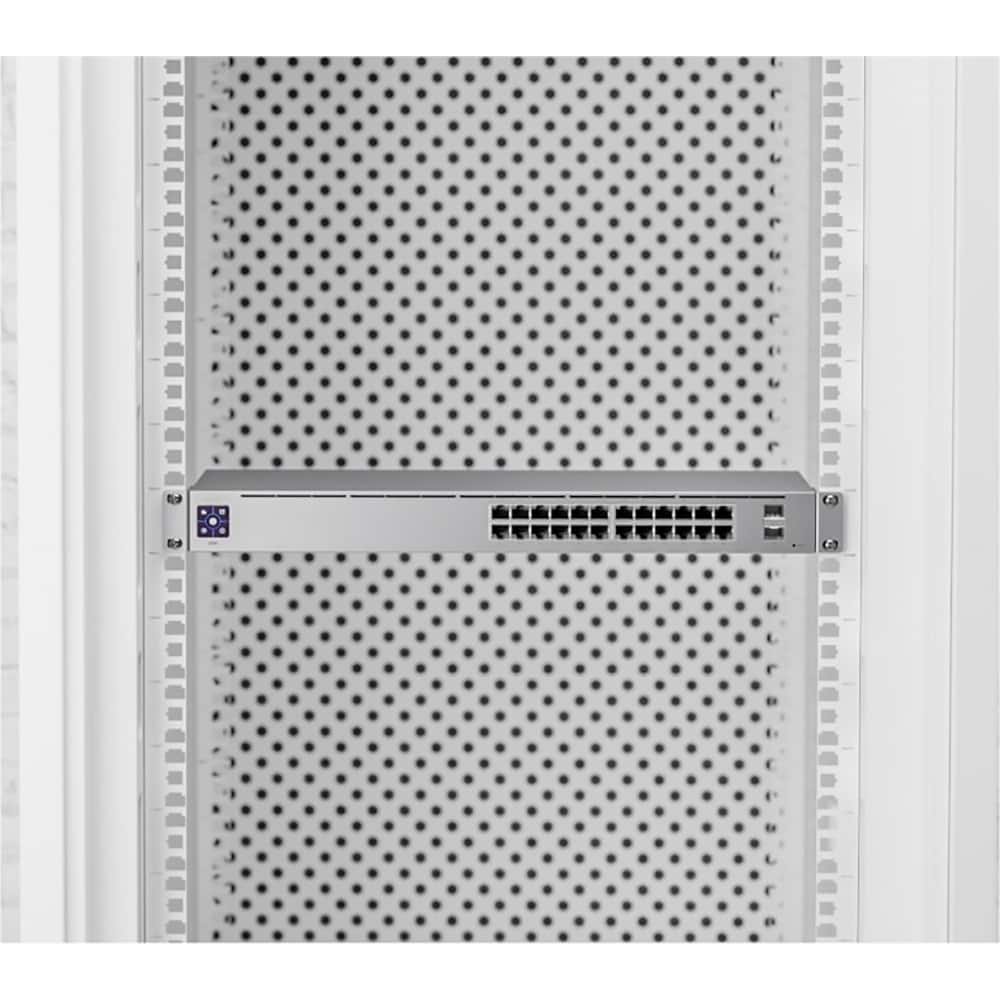
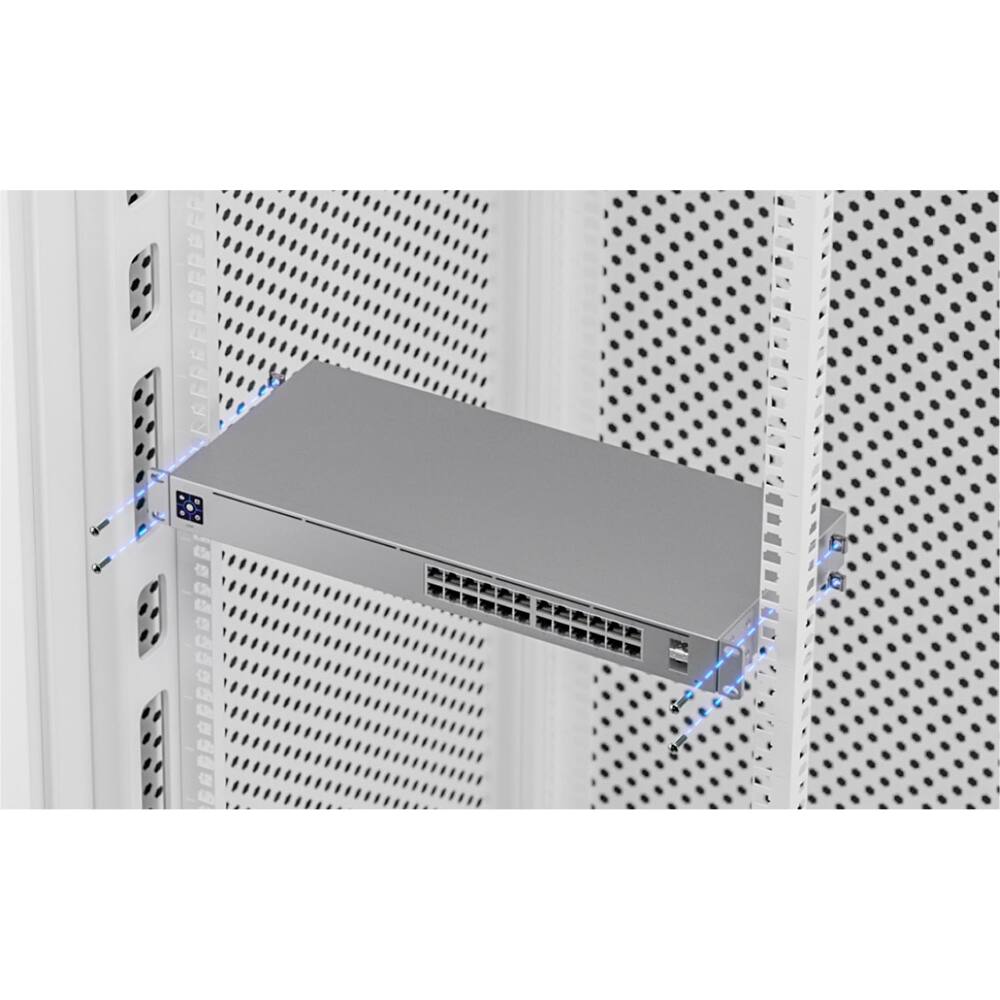
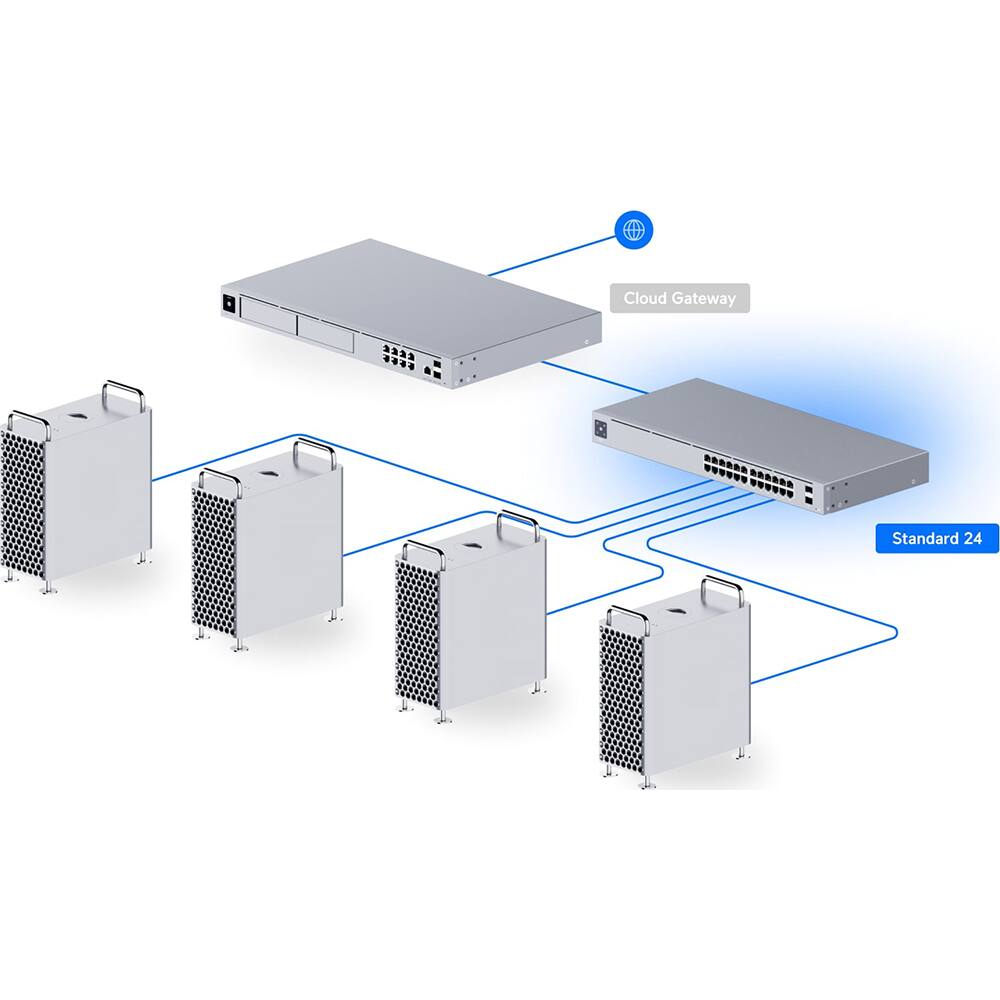
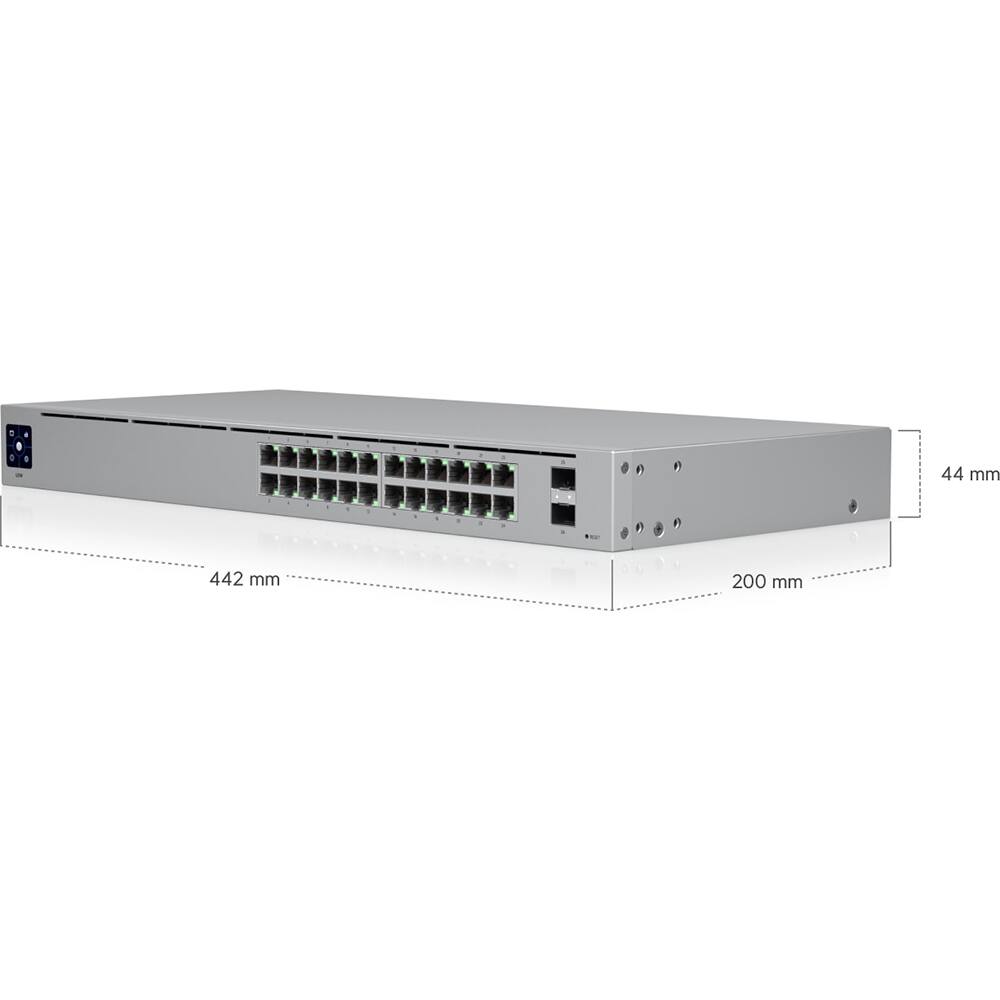
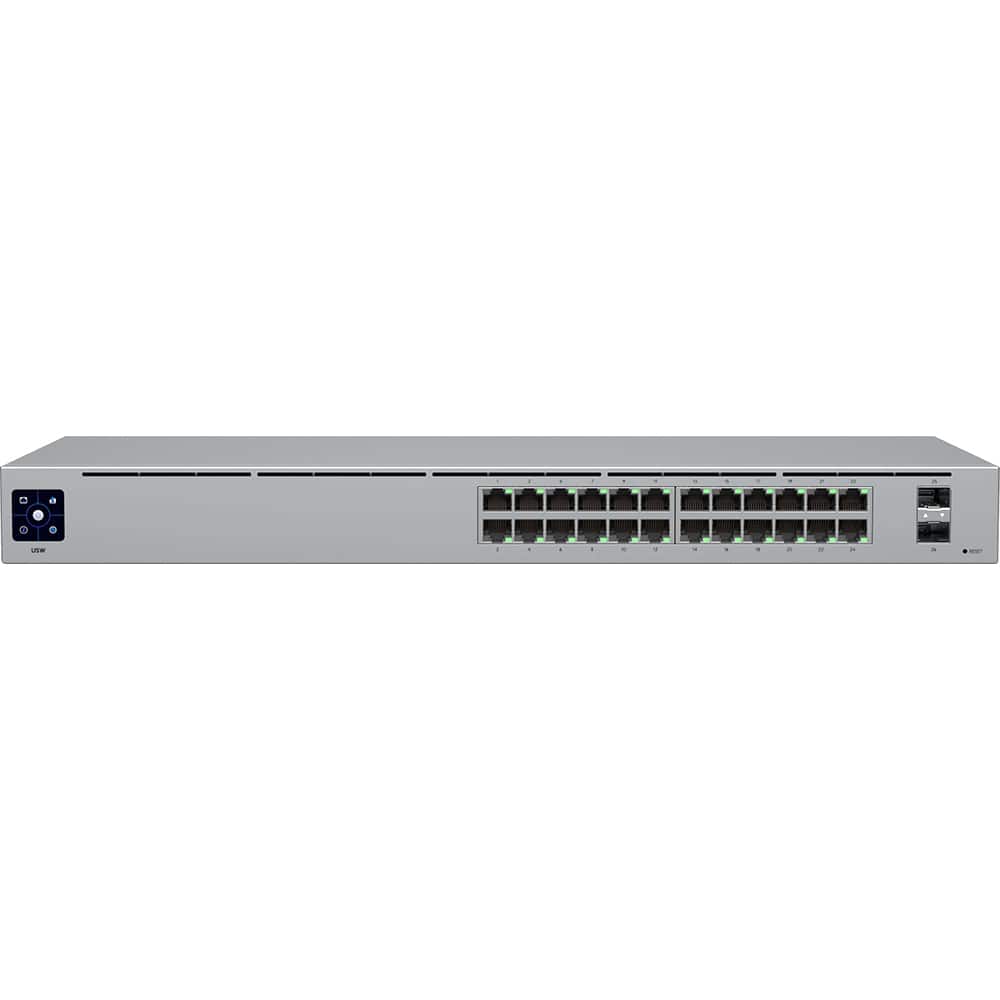
The Ubiquiti UniFi Switch 24 is a high-performance managed gigabit network switch designed for professional and business environments. It features 24 Ethernet ports, an integrated 1.3-inch touchscreen for real-time status monitoring, and robust construction for durability. This switch supports advanced network management, including VLANs, QoS, and seamless integration with the UniFi Controller, making it ideal for optimizing network performance and reliability.
Usage
The UniFi Switch 24 is perfect for small to medium-sized businesses, offices, and educational institutions requiring stable and scalable network infrastructure. It handles high-traffic environments, such as data centers, server rooms, and collaborative workspaces, where reliable connectivity and easy troubleshooting are essential. IT professionals and network administrators will appreciate its intuitive management features for maintaining efficient operations.
Why Choose Us
Ubiquiti’s UniFi Switch 24 stands out with its user-friendly touchscreen interface, reducing downtime by providing instant diagnostics. It offers superior build quality, energy efficiency, and seamless compatibility with the UniFi ecosystem for centralized management. Backed by Ubiquiti’s reputation for innovation and support, this switch delivers long-term value and performance without compromising on reliability.
Key Features
- Integrated 1.3-inch touchscreen for real-time status and troubleshooting
- 24 managed gigabit ports supporting high-speed data transfer
- Seamless integration with UniFi Controller for centralized network management
- Advanced features like VLAN, QoS, and PoE support for flexible deployments
- Durable design with quiet operation, ideal for 24/7 business environments
FAQ
What is the purpose of the touchscreen on the UniFi Switch 24?
The touchscreen provides immediate access to switch status, network statistics, and diagnostic information, allowing for quick troubleshooting without needing to access the UniFi Controller software.
Can this switch be used in a home network setup?
While it is designed for business and professional use, it can be used in advanced home networks that require managed features, though it may be overkill for basic home needs.
Does the UniFi Switch 24 support Power over Ethernet (PoE)?
This model does not include PoE support; it is a non-PoE switch, so devices requiring power over Ethernet will need separate power sources or a PoE injector.
How do I manage the switch settings?
Settings are managed through the UniFi Controller software, which offers a web-based interface for configuration, monitoring, and updates across the UniFi ecosystem.
Is the switch compatible with other Ubiquiti products?
Yes, it integrates seamlessly with other UniFi devices, such as access points and gateways, for a unified network management experience.
Reviews
There are no reviews yet.