

Description
Product Overview
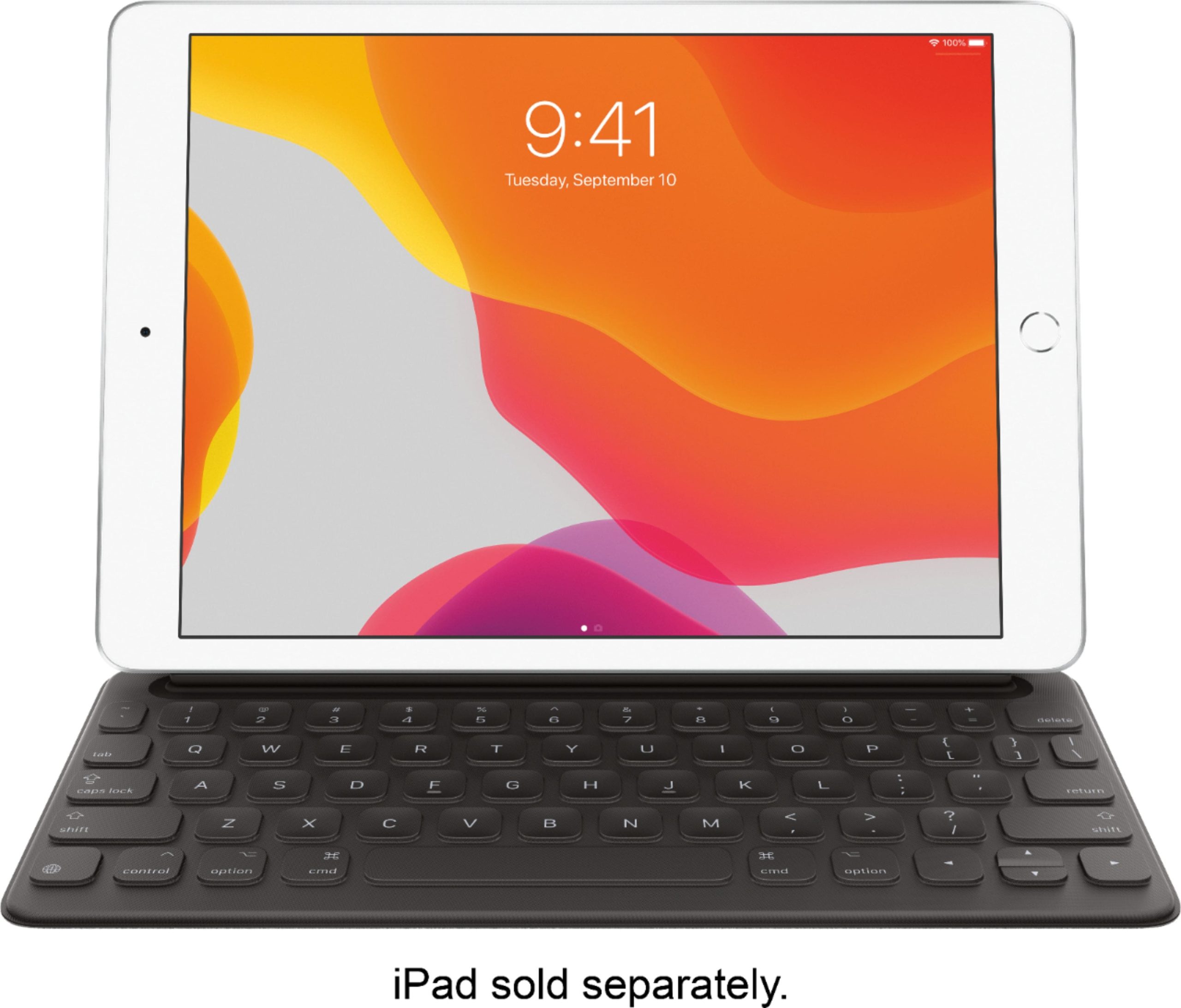
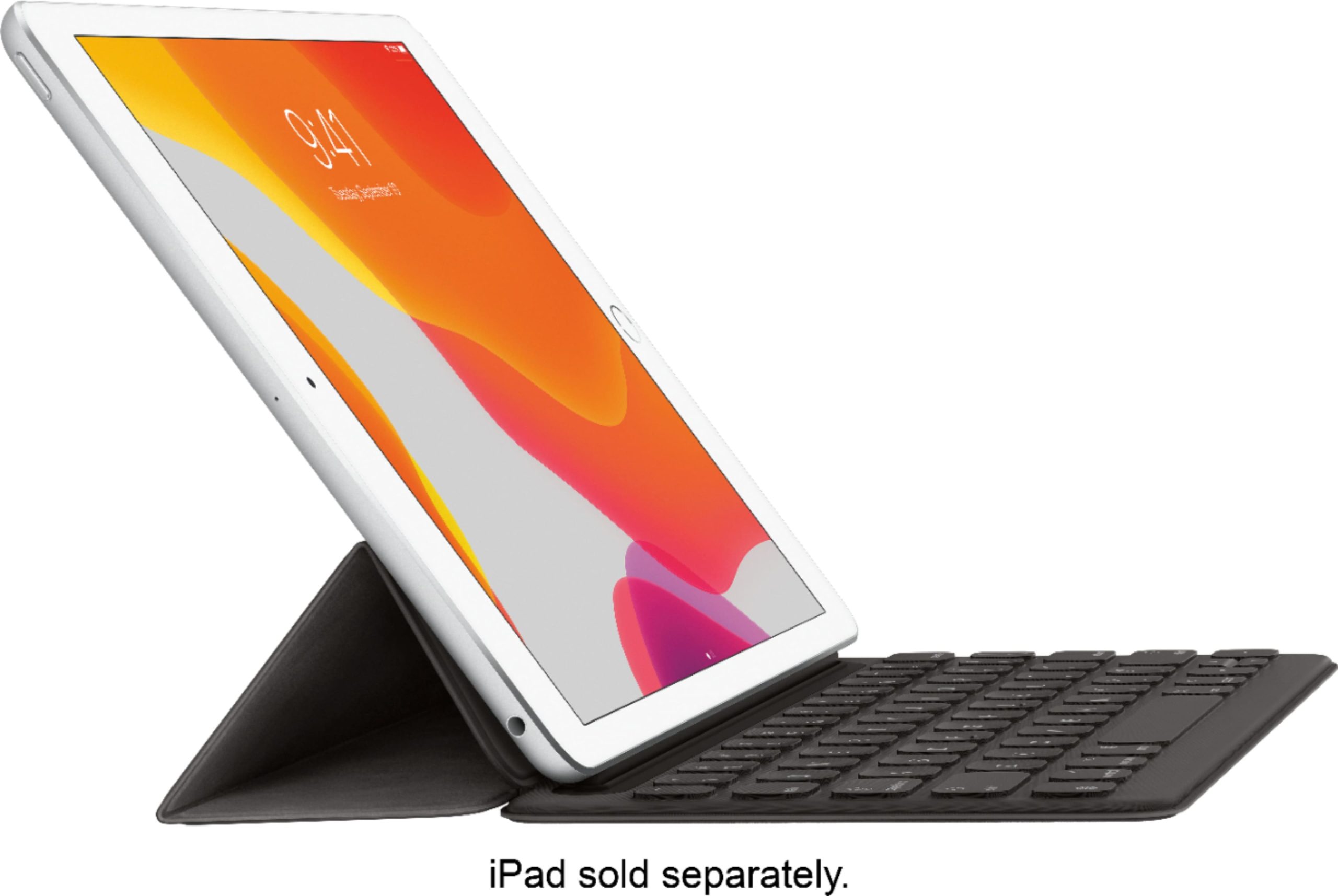
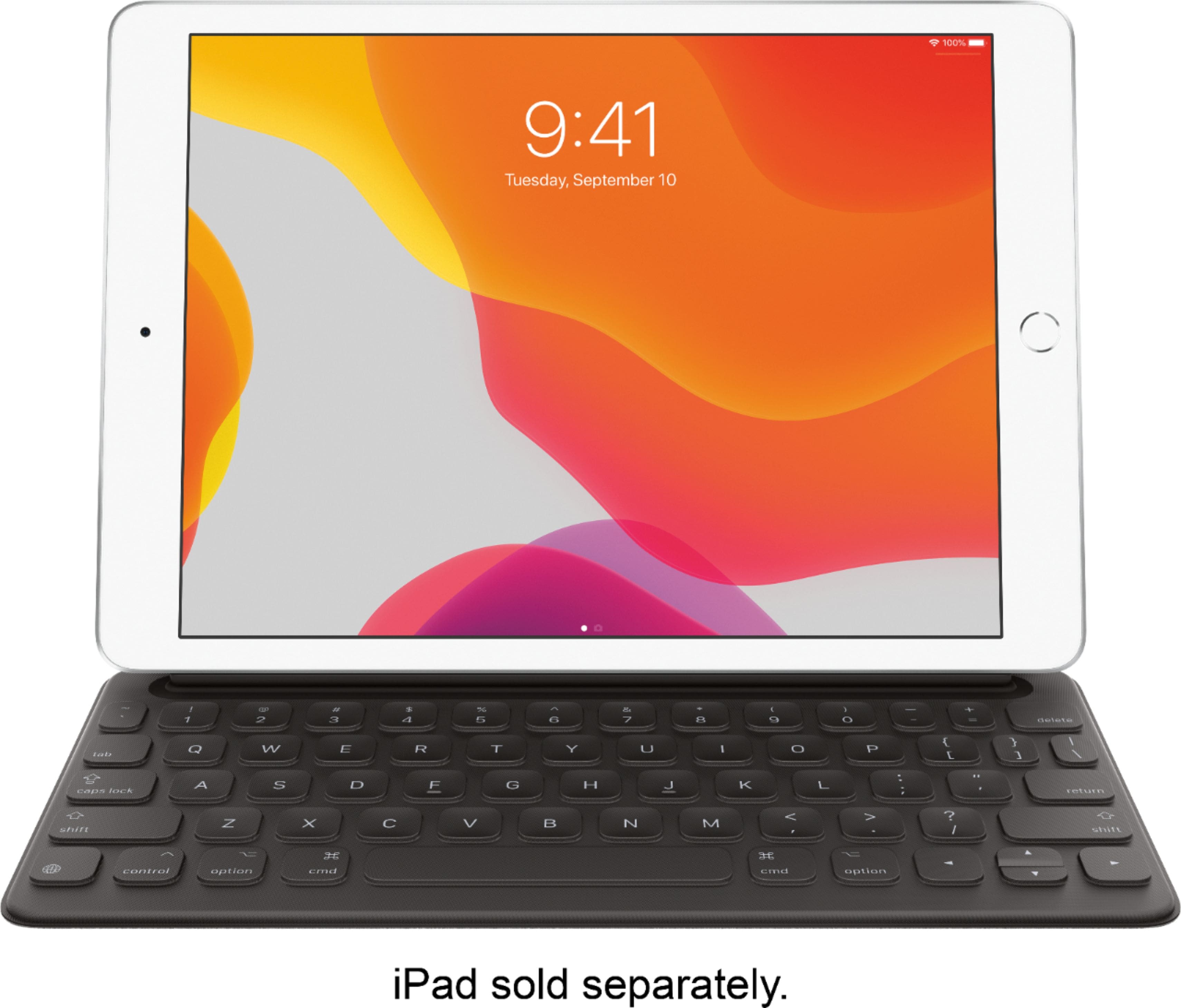
The Apple Smart Keyboard is engineered to deliver a superior typing experience for iPad (7th Generation) and iPad Air (3rd Generation) users. It combines a full-size keyboard layout with advanced portability, connecting directly to your device through the Smart Connector. This innovative design eliminates the need for Bluetooth pairing or separate charging, ensuring it’s always ready for use. Crafted from durable materials, the keyboard maintains a slim profile and lightweight construction, folding neatly to double as a protective cover when not in use. It’s the ideal accessory for students, professionals, and creatives who need reliable typing on the go.
Usage
The Smart Keyboard is perfect for a variety of settings, from classrooms and offices to coffee shops and travel. Students can use it to write essays or take notes during lectures, while professionals benefit from efficient typing for emails, reports, and presentations. Its portability makes it easy to carry in a backpack or briefcase, and the instant connection means you can start working immediately without setup delays. This keyboard is tailored for anyone who values productivity and convenience, whether you’re a frequent traveler, remote worker, or someone who prefers a tactile typing experience over touchscreen input.
Why Choose Us
Apple’s Smart Keyboard stands out for its seamless integration and premium build quality. Unlike third-party keyboards, it leverages the Smart Connector for a direct, reliable connection that doesn’t require Bluetooth or power management. This results in faster response times and no battery concerns. The keyboard is designed to match the aesthetic and durability of Apple devices, with a focus on user comfort and long-term reliability. Its dual function as a keyboard and cover adds exceptional value, reducing the need for separate accessories and simplifying your workflow.
Key Features
- Full-size keyboard layout for comfortable and efficient typing
- Instant connection via Smart Connector with no pairing or charging needed
- Portable design that folds into a slim, lightweight cover for protection
- Compatible with iPad (7th Generation) and iPad Air (3rd Generation)
- Durable construction ensures long-lasting performance and daily use
FAQ
How do I connect the Smart Keyboard to my iPad?
Simply attach the keyboard to your iPad using the Smart Connector, and it will connect automatically without any setup or Bluetooth pairing required.
Does the Smart Keyboard need to be charged?
No, the Smart Keyboard draws power directly from your iPad through the Smart Connector, so there’s no need for separate charging.
Is the keyboard compatible with other iPad models?
This version is specifically designed for iPad (7th Generation) and iPad Air (3rd Generation); check Apple’s specifications for compatibility with other models.
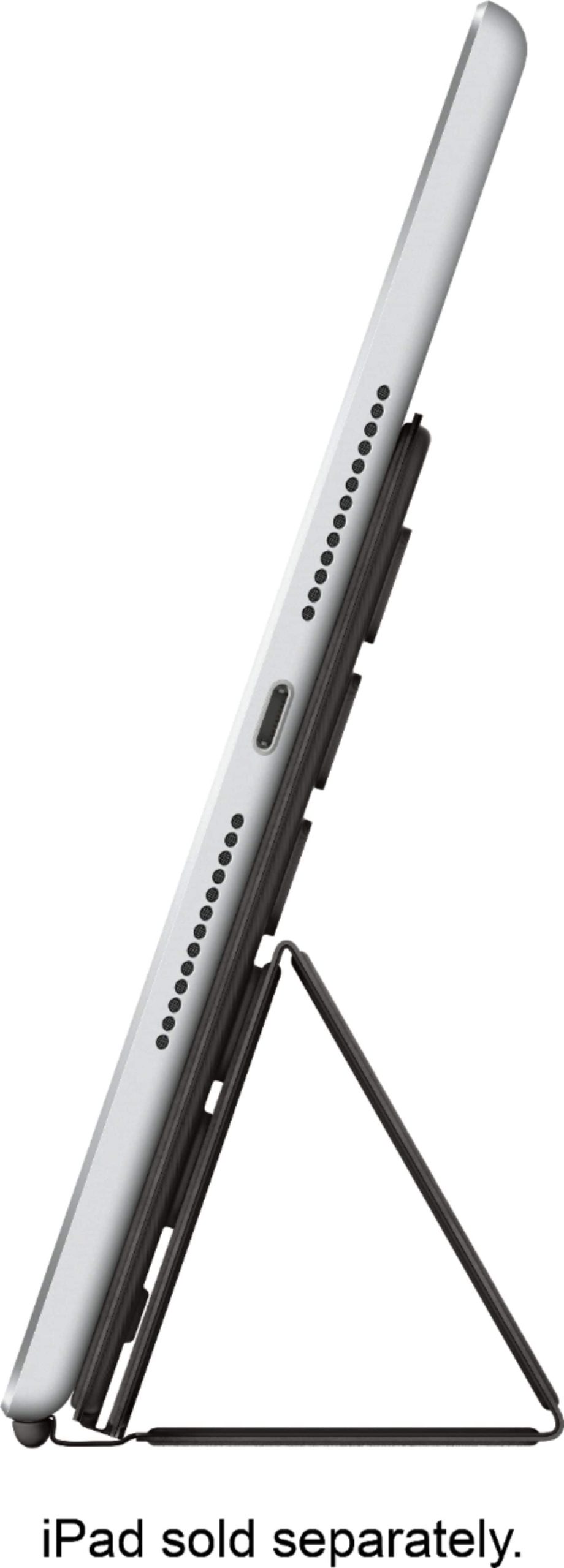
Can I use the keyboard as a stand for my iPad?
Yes, when folded, the keyboard can be adjusted to serve as a stable stand for your iPad in typing or viewing positions.
How durable is the Smart Keyboard for daily use?
It’s built with high-quality materials to withstand regular use, and the cover function provides added protection against scratches and minor impacts.

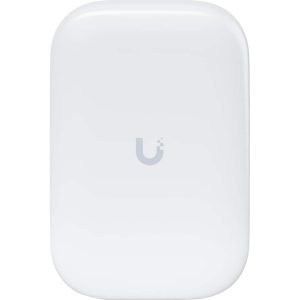 SAK Ultra IPX6 Antenna Clip On Outdoor Indoor Use
 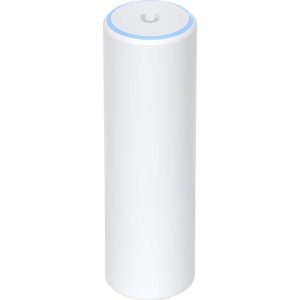 Ubiquiti UniFi FlexHD Access Point White WiFi Networking
 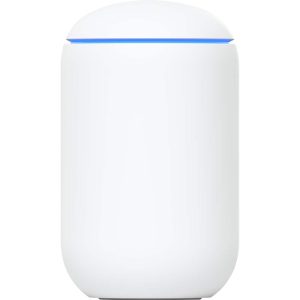 Ubiquiti Dream Machine Access Point UDM US White Networking
 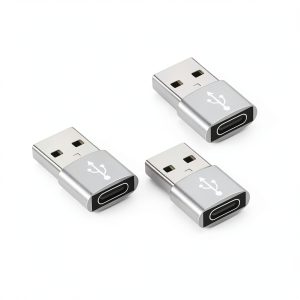 USB C Female to A Male Adapter 3 Pack Data Transfer Charging
Reviews
There are no reviews yet.