



Description
Product Overview
The Apple Pencil Pro is a premium stylus designed to elevate digital creativity and productivity on compatible iPad models. It incorporates advanced technologies like a squeeze sensor for tool switching, a gyroscope for barrel roll control, and haptic feedback for tactile confirmation. With Apple Pencil hover, users can preview strokes before making contact, ensuring precision in writing, sketching, and illustrating. Crafted from durable materials, it offers a comfortable grip and seamless integration with iPadOS for a natural drawing experience.

Usage
The Apple Pencil Pro is ideal for artists, designers, students, and professionals who require precise input for tasks such as digital art, note-taking, and markup. It excels in environments like studios, classrooms, and remote work settings, where intuitive tools enhance workflow efficiency. Whether creating detailed illustrations, annotating documents, or brainstorming ideas, this stylus supports a wide range of creative and professional applications on supported iPads.
Why Choose Us
Apple Pencil Pro stands out with its cutting-edge features, including squeeze gestures, barrel roll, and haptic feedback, which are not commonly found in other styluses. It is built with high-quality components for reliability and longevity, backed by Apple’s rigorous quality assurance. The seamless compatibility with iPad apps and operating systems ensures a smooth, responsive experience, making it a top choice for those seeking professional-grade digital tools.
Key Features
- Squeeze sensor for quick tool, line weight, and color changes
- Barrel roll gyroscope for precise control of shaped pen and brush tools
- Custom haptic engine providing tactile feedback for actions
- Apple Pencil hover to preview strokes before screen contact
- Double-tap functionality for enhanced usability and efficiency
FAQ
What iPads are compatible with Apple Pencil Pro?
Apple Pencil Pro is designed for use with specific iPad models that support its advanced features; check Apple’s official website for the latest compatibility list to ensure it works with your device.
How do I charge the Apple Pencil Pro?
The Apple Pencil Pro charges wirelessly by attaching it magnetically to the side of a compatible iPad, providing a convenient and cable-free charging solution.
Can I use Apple Pencil Pro for handwriting and note-taking?
Yes, Apple Pencil Pro is excellent for handwriting and note-taking, with features like hover and haptic feedback that improve accuracy and ease of use in apps like Notes and GoodNotes.
Is the squeeze feature customizable?
The squeeze gesture on Apple Pencil Pro can often be customized within supported apps to perform different actions, such as switching tools or activating shortcuts, depending on the app’s settings.
Does Apple Pencil Pro support pressure sensitivity?
Yes, Apple Pencil Pro includes pressure sensitivity, allowing for varying line thickness and opacity based on how hard you press, which is ideal for artistic applications.

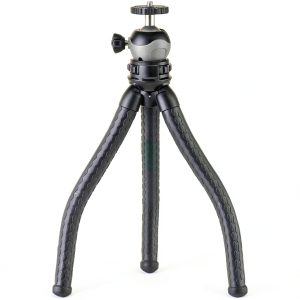 CARSON BoaPod Flexible Tripod Portable Bluetooth Remote
 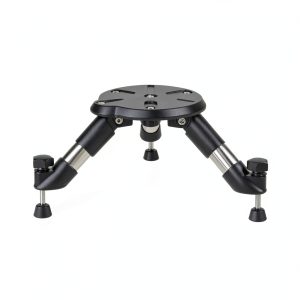 Pavo Compact Tripod Stand Adjustable Tabletop Telescope
 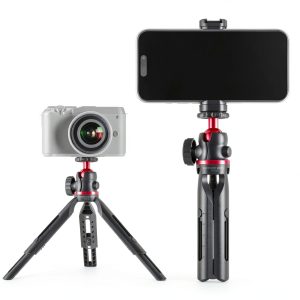 Neewer Mini Tripod Camera 360 Desk Portable DSLR Webcam
  Peak Design Anchor Mount Camera Strap Aluminum Accessory
 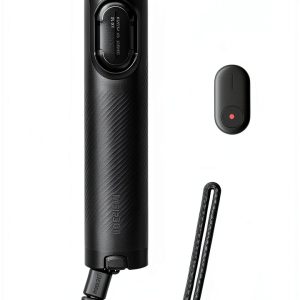 Insta360 Mini 2-in-1 Tripod Compact Design Universal
 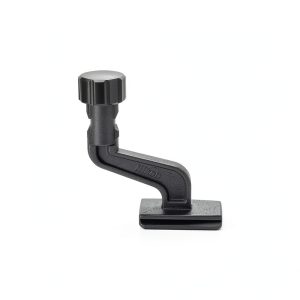 Nikon Tripod Adapter for Astroluxe Binoculars Secure
 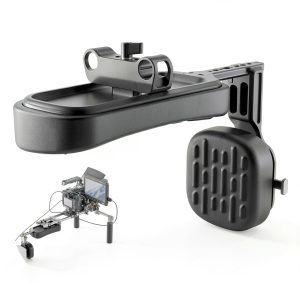 Neewer Shoulder Pad V Mount Battery Plate Camera Rig Support
 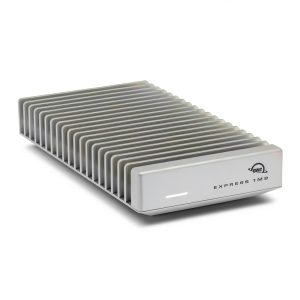 OWC Express 1M2 80Gb/s Portable NVMe SSD USB4 Enclosure
  InvisibleShield Glass Elite Screen Protector Maximum Impact
 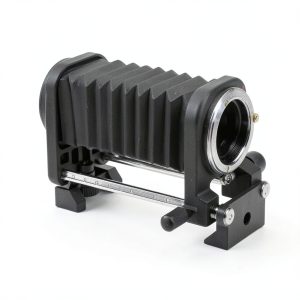 Fotodiox Macro Bellows Metal Construction 8x Magnification
  SODI iPad Pro 11 2024 Screen Lens Protector 2+2 Pack
 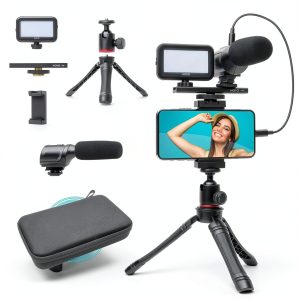 Movo uVlogger Smartphone Vlogging Kit Microphone Light
 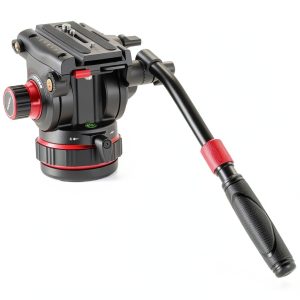 Neewer Heavy Duty Fluid Head Tripod Pro Damping Camera
 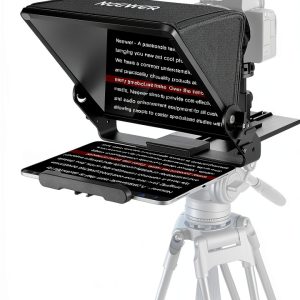 Neewer X12II Teleprompter Assembly Free Arca Mount Vlogging
 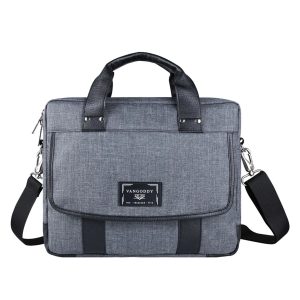 Messenger Bag Micro Twill Tablet Protection Organization
 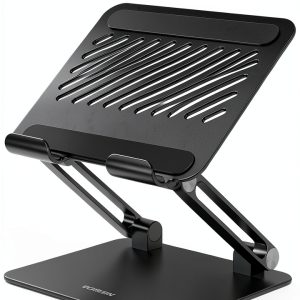 Aluminum Tablet Stand Adjustable Angle Portable Device
 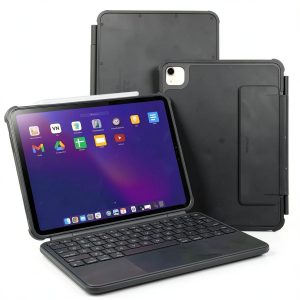 Macally iPad 11 Keyboard Case Detachable Backlit Trackpad
Reviews
There are no reviews yet.